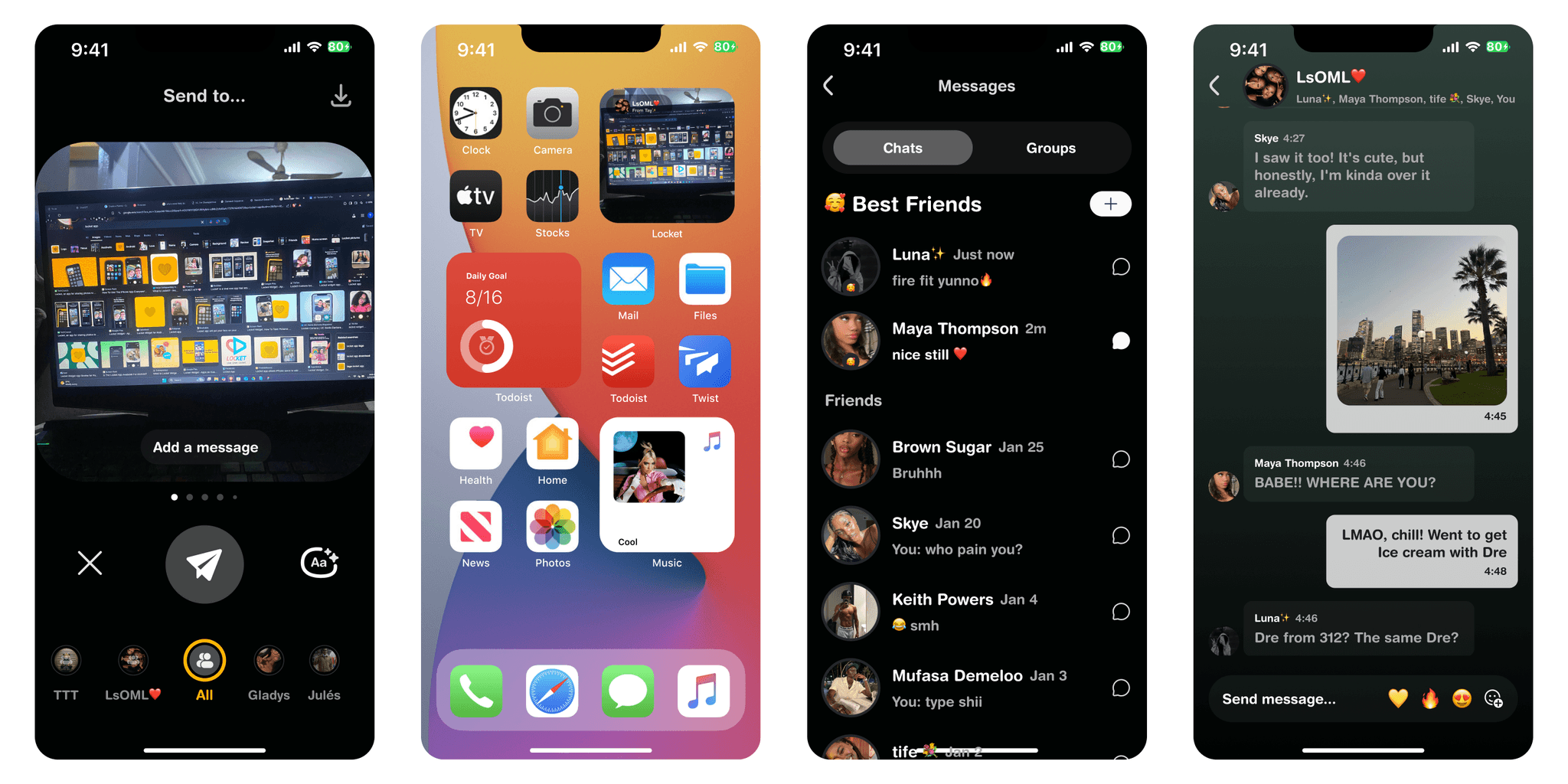
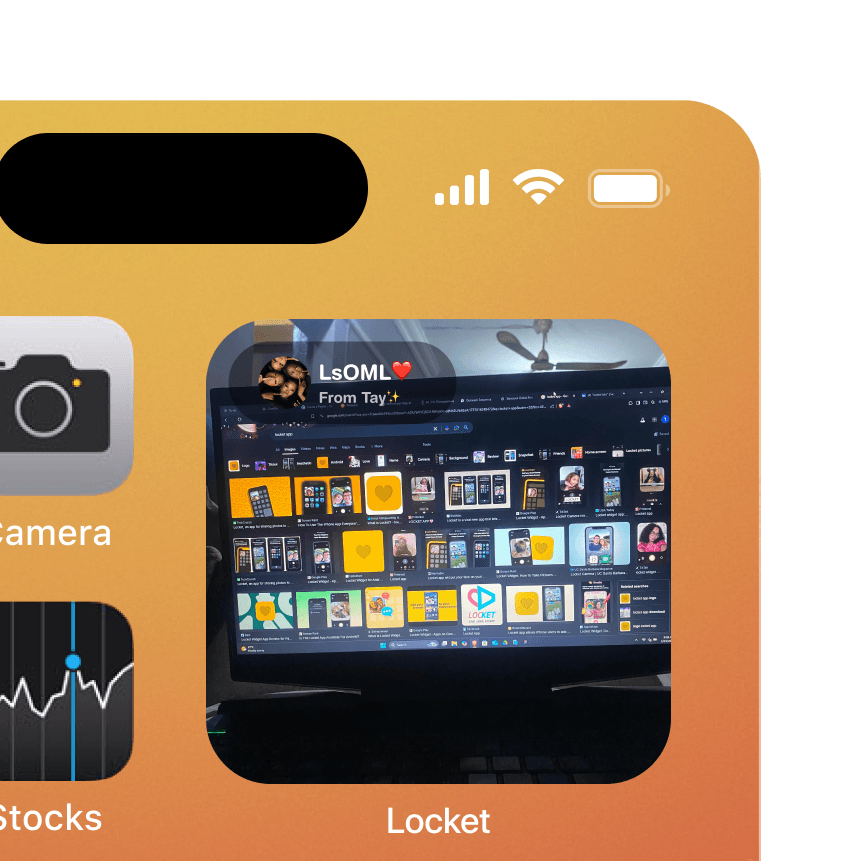

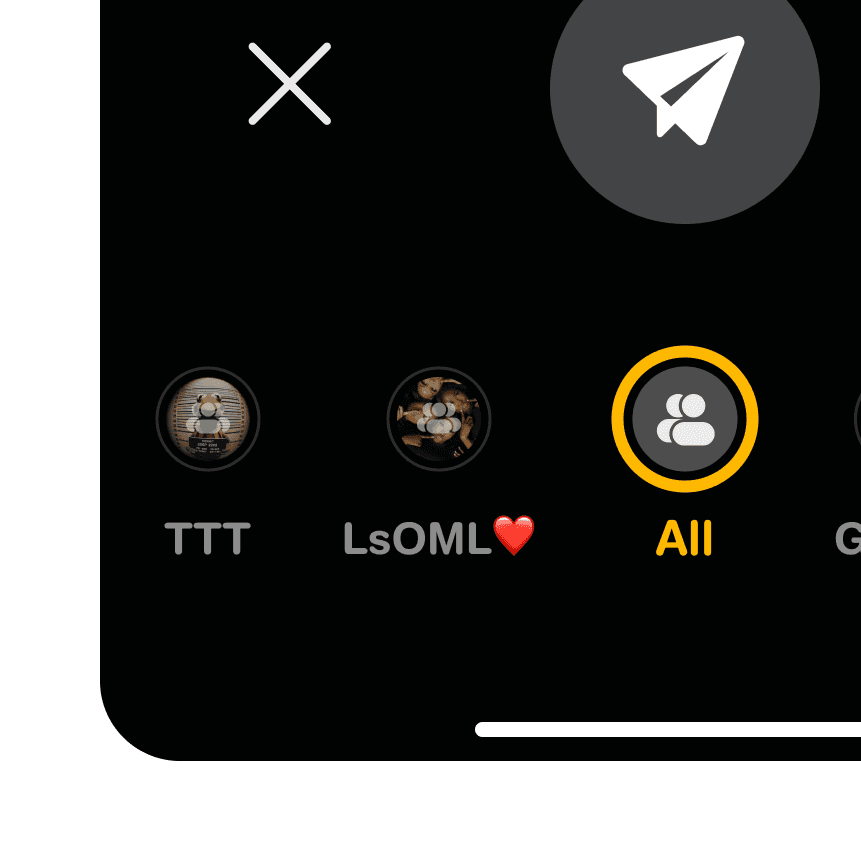
Sometimes, it’s about those people—the ones you want to share every little moment with. Best Friends lets you pin your top 5 friends for quick access and easier sharing. No endless scrolling, no hesitation. Just your faves, front and center.
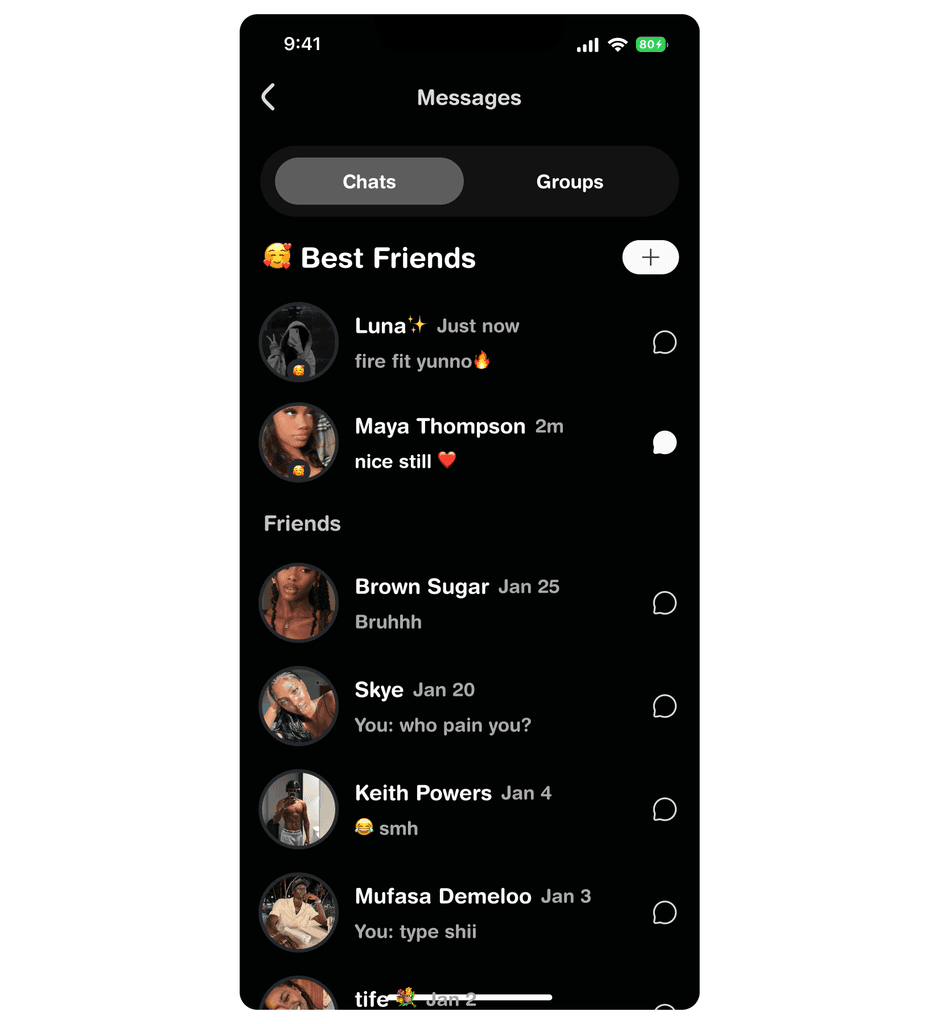
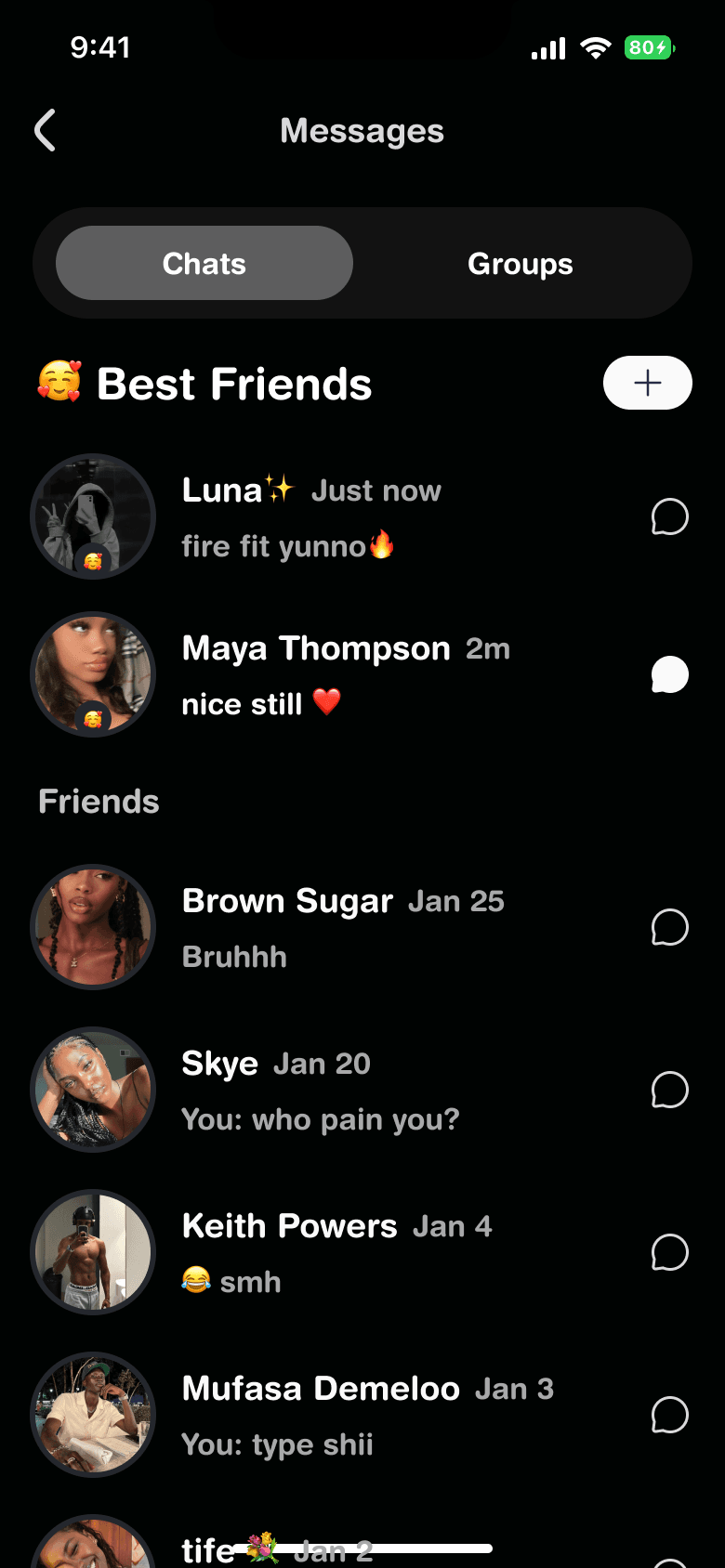
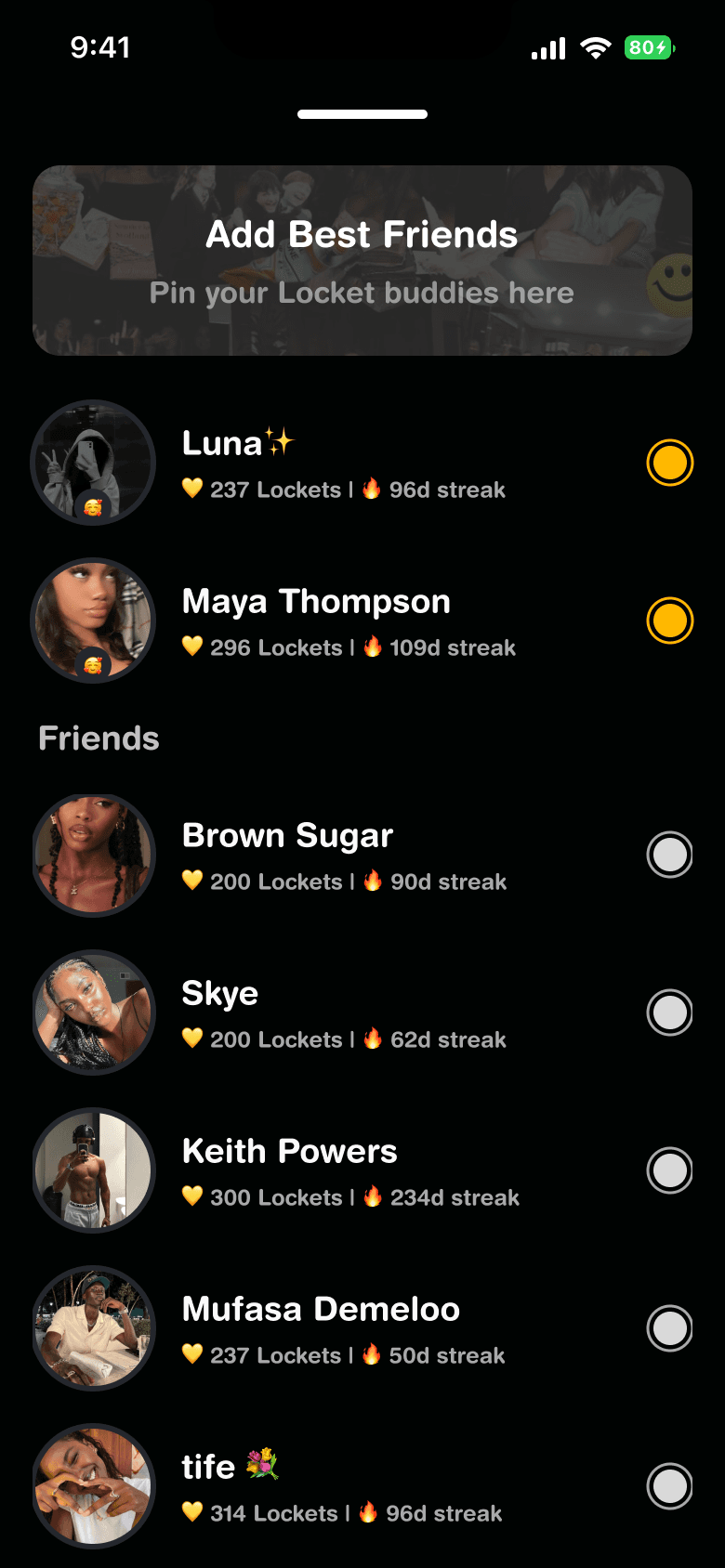
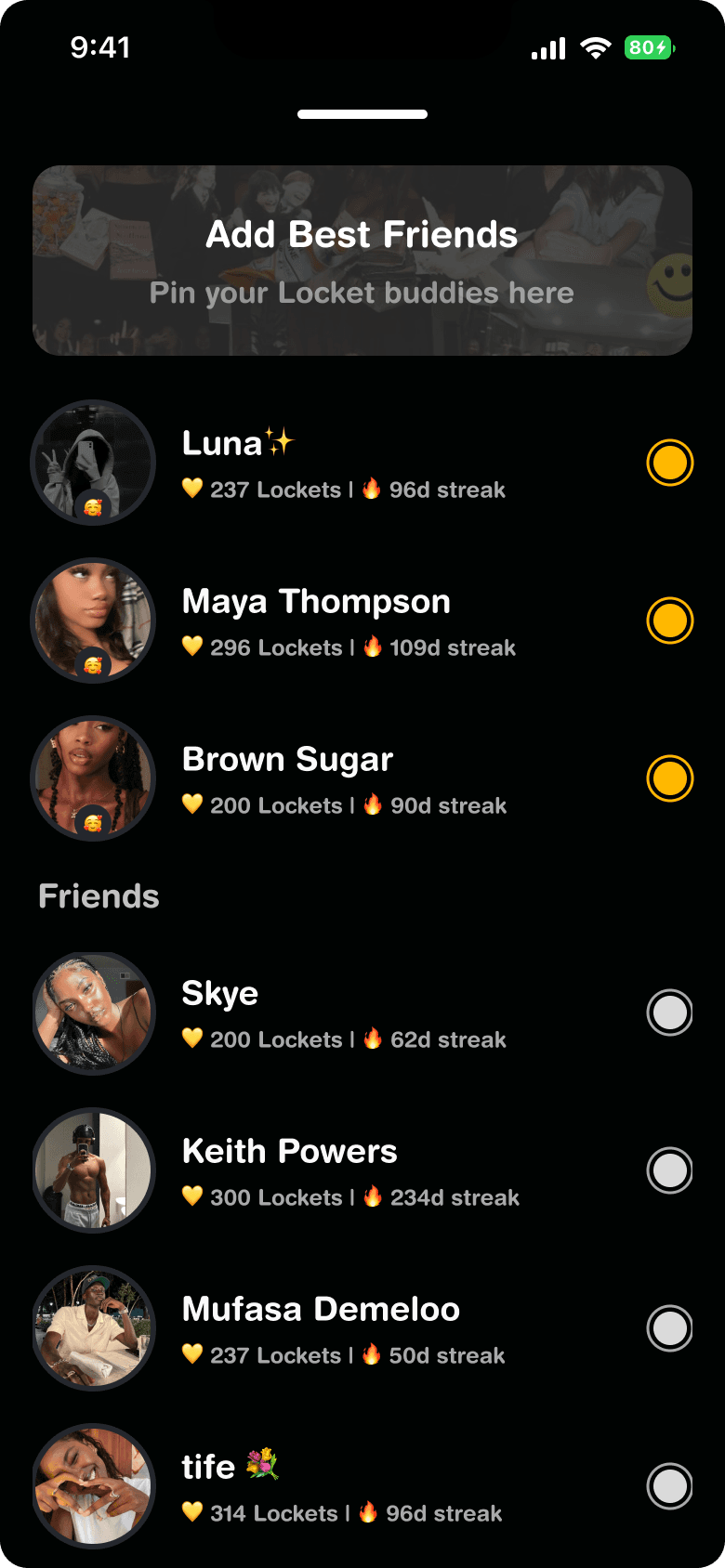
A dedicated section on the UI where you can mark and manage your Best Friends.
Instant sharing with one tap—no need to dig through a long list of contacts.
A playful yet minimal design that keeps Locket’s clean aesthetic intact.
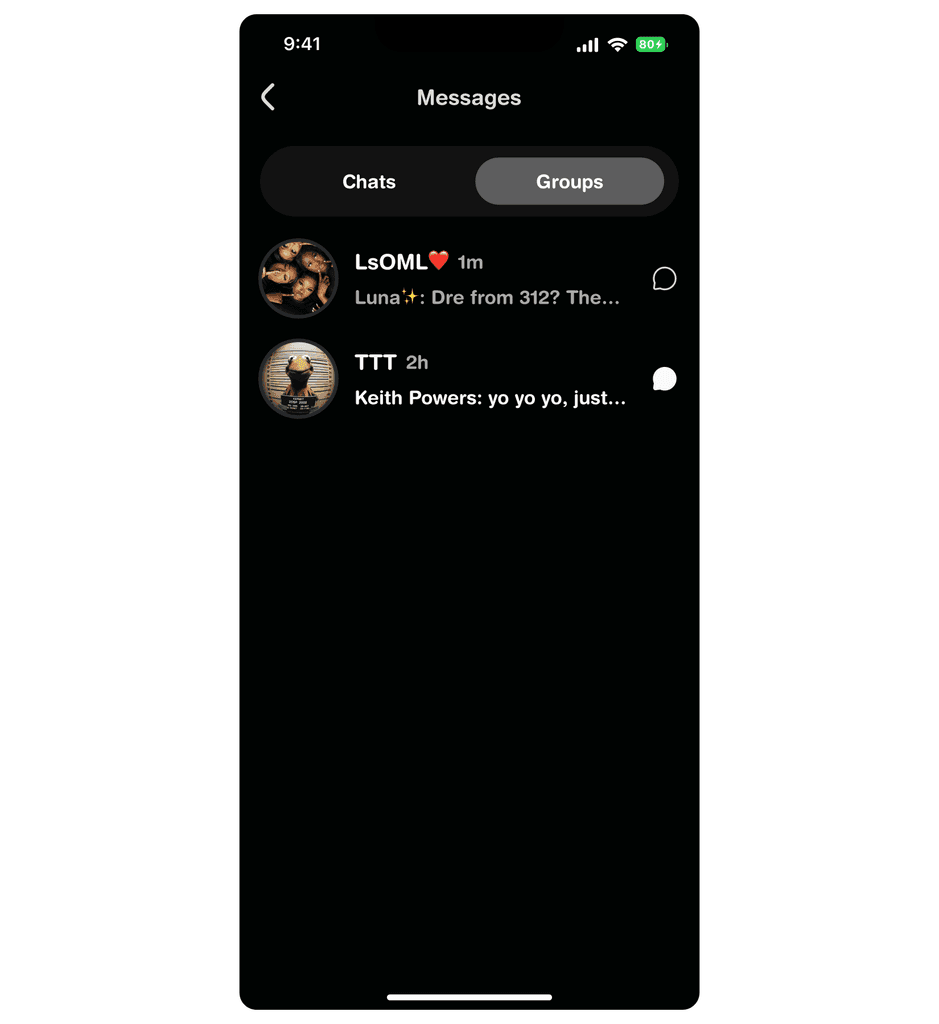
Sharing is even more fun when it’s with the whole crew. With Groups, you can create customized circles—whether it’s your family, college friends, or that chaotic office group chat.
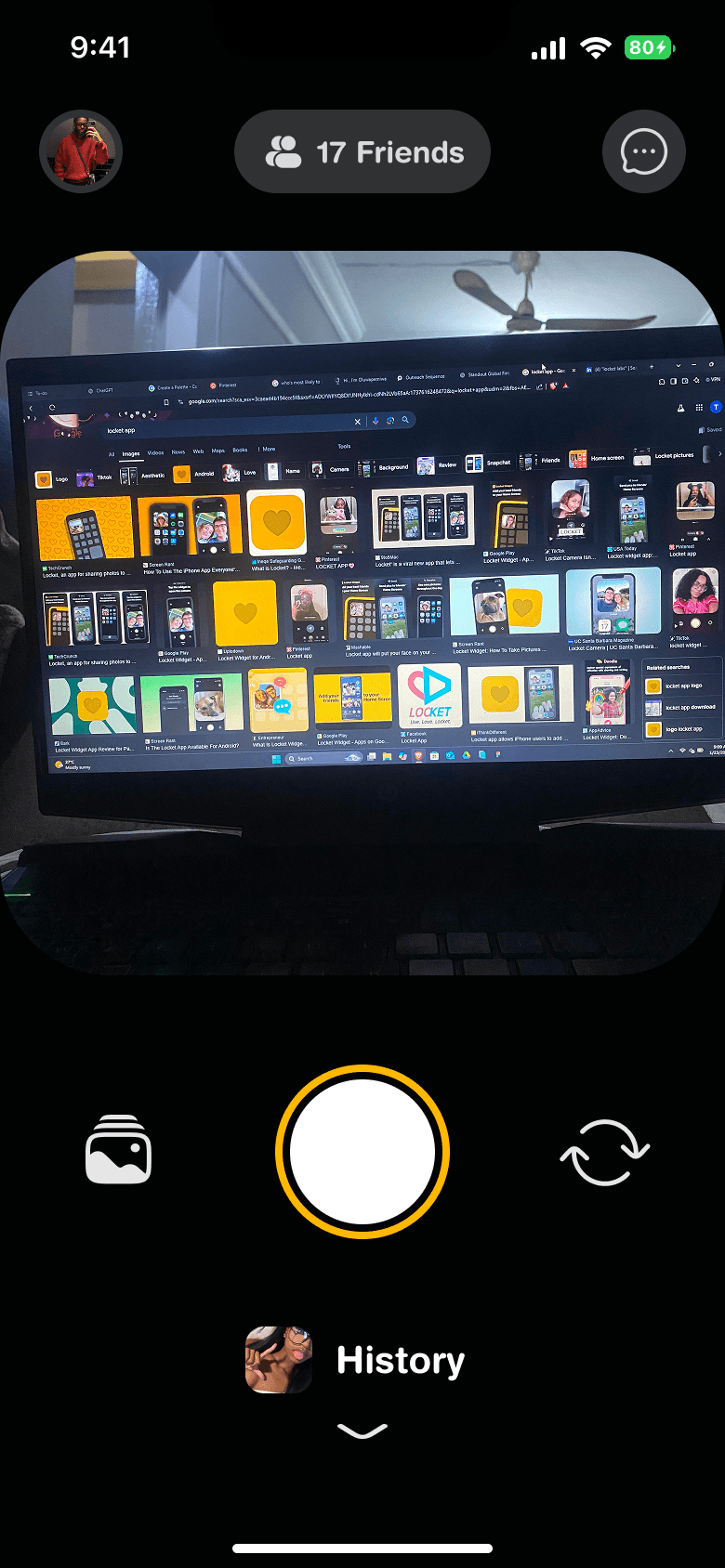
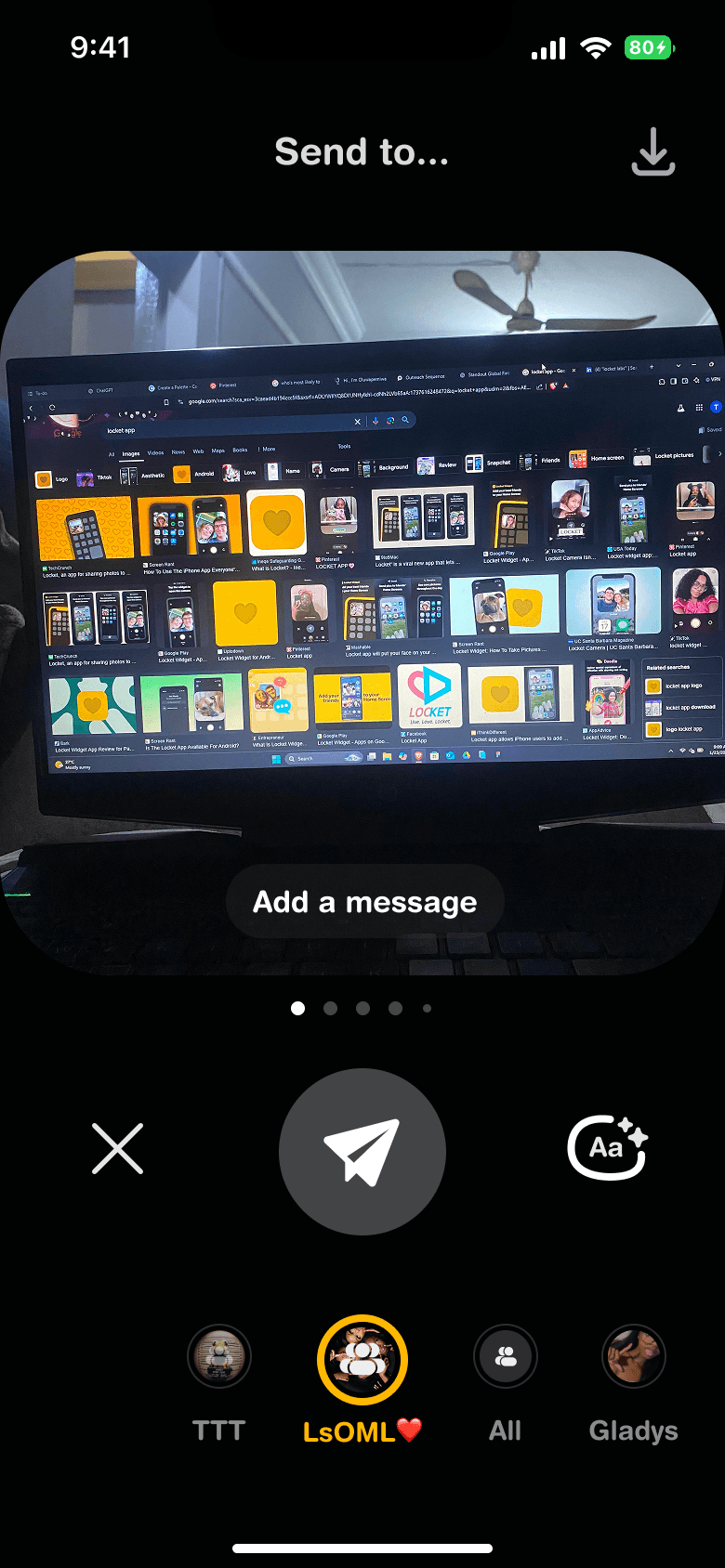
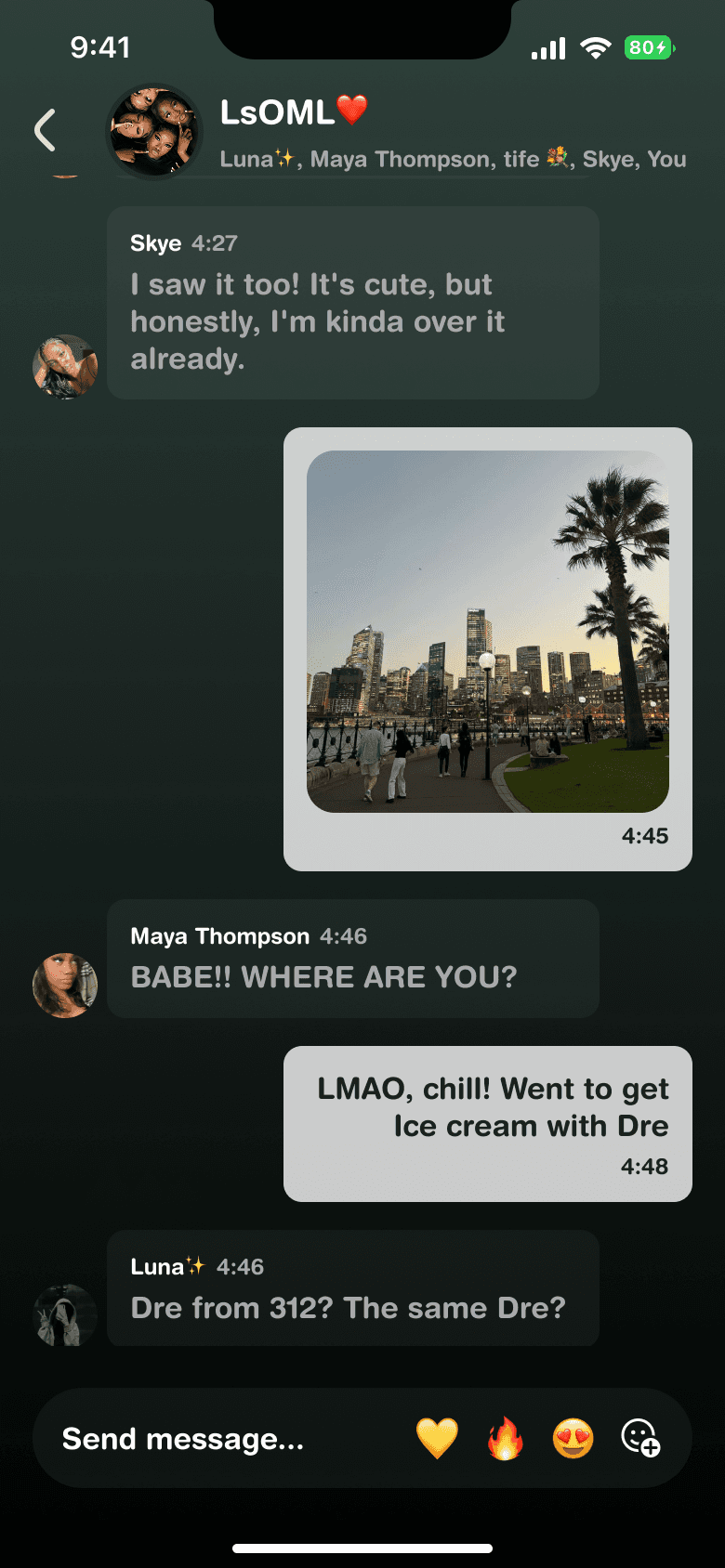
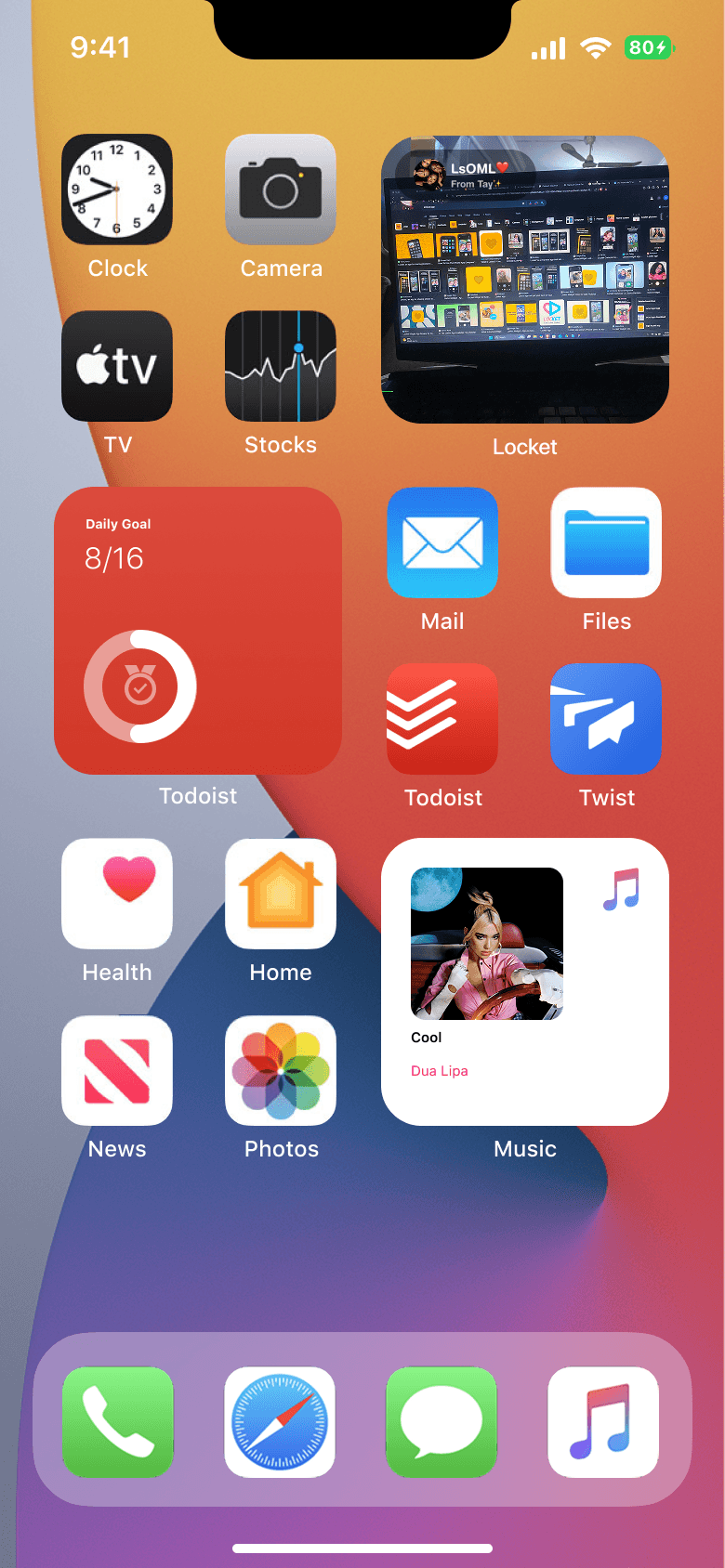
Create as many groups as you want and give them unique names.
Easily share your photos with the entire group at once.
Keep things organized without losing the effortless feel Locket is known for.
How It All Came Together
To make these features feel natural to Locket’s experience, I:

(Don't hold their hands please 😂)
Listened to Users
Found that people were already trying to share with specific friends or groups in repetitive ways. I simplified that.

(It's a process)
Iterated on Design
Tested multiple layouts (tabs vs. sidebars) to find the perfect fit, and the Interface was consistent with Locket’s original vibe.

(All for one, One for all)
Enhanced Accessibility
Designed "Best Friends" and "Groups" to be intuitive, so users wouldn’t need to relearn how to use the app.
Friend activity skyrocketed: People shared 48% more photos in their Best Friends and Groups compared to individual sharing.
Daily usage increased: Time spent on Locket grew by 35%, with users staying engaged longer to curate and share their moments.
Retention got a boost: Groups especially resonated with users managing larger friend lists, with a 17% increase in retention after launch.
“Groups just makes Locket fun. I can send my best people goofy pics without spamming my family!”

Pamilerin
Feature Tester